YouTube Competitor Analysis
Put your channel next to the channels you compete with. See how you compare on reach and output, and which brands sponsor them but not you yet.
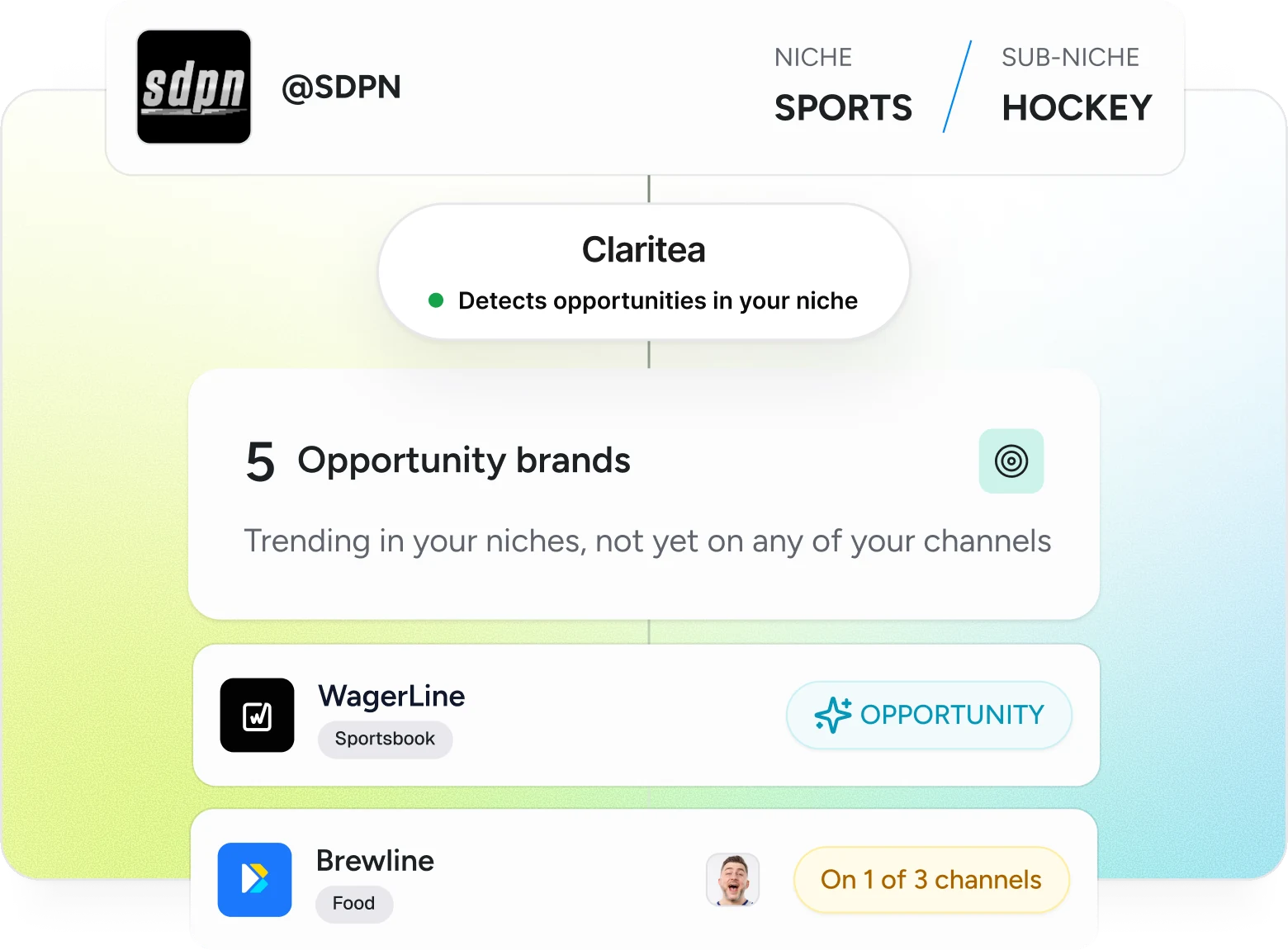
Know who you're up against
Pick the channels you compete with. Claritea does the comparing.
Side by side
Subscribers, average views, engagement rate and upload pace for you and each competitor, one row each.
Brands you're missing
Brands that sponsor your competitors but have never run on your channel, ranked by how many competitors they sponsor.
Brands you share
Brands on your channel and theirs, where you're competing for the same budget.
Your niche, named
The niche and sub-niche each channel falls into, so you know who you are really compared with.
A pitch list on day one
No sponsors yet? The brands spending on channels like yours are your first prospects.
Your pick of channels
You choose who to compare against. Claritea only uses what is public on their channels.
Three steps, no spreadsheets
- 01
Connect your channel
Once. No plugins, no code and no posting access.
- 02
Pick your competitors
Choose the channels you want to compare against.
- 03
See your niche
How you compare, the brands you share and the brands you are missing.
Before you start
- Do the channels I track find out?
- No. Claritea only looks at what is public on their channels.
- Can I change who I track?
- Yes. You can swap competitors from the competitors page.
- Do I need sponsors to use it?
- No. If you're not sponsored yet, the brands on your competitors' channels are a ready-made list of who to pitch.