YouTube Sponsor Reports
Show a sponsor what ran, how it performed and what your audience said. Send a link instead of a deck, and export the numbers for your media kit.
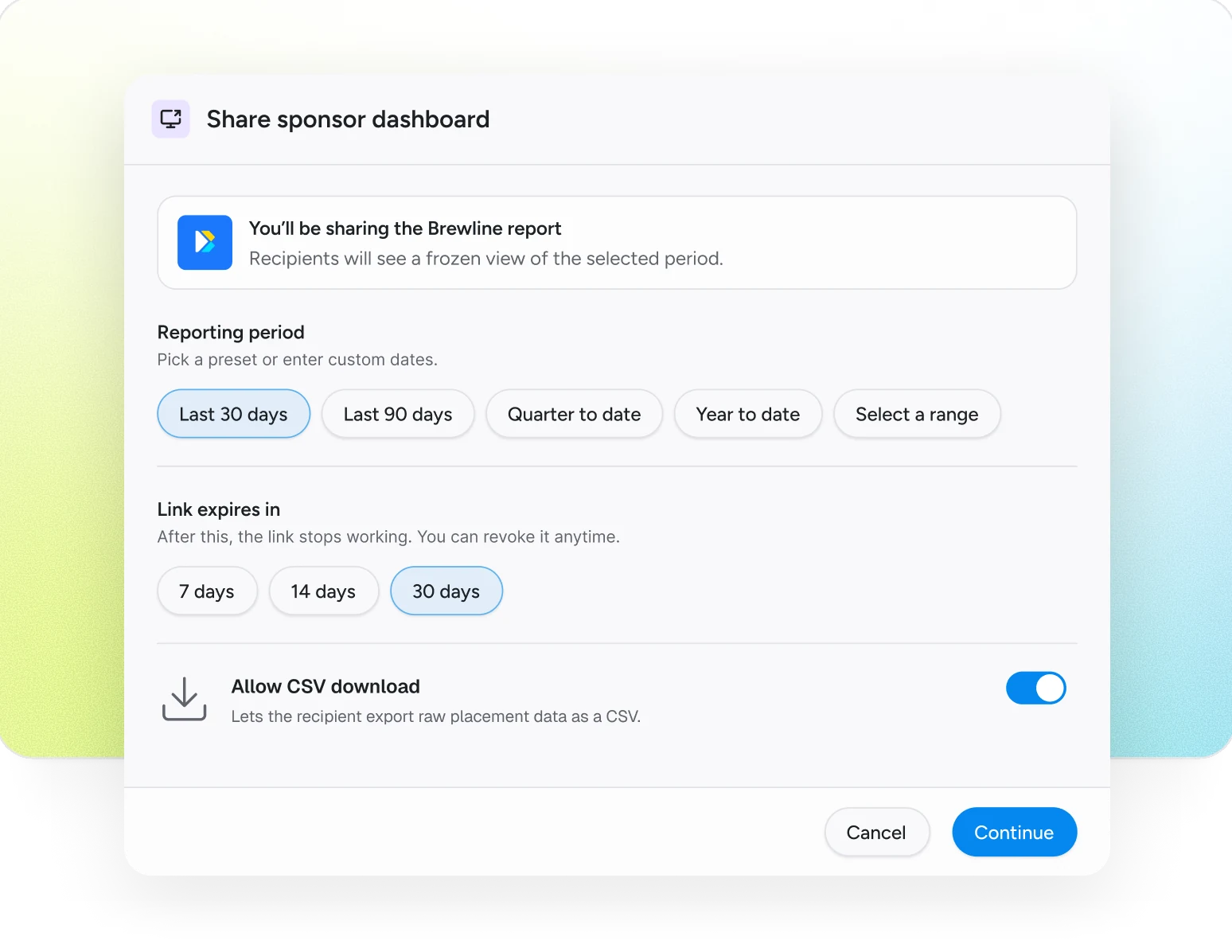
One set of numbers everyone works from
No spreadsheets to build, no screenshots to crop, no “can you send the numbers again?”
A link for each sponsor
Pick a sponsor, the channels and the dates. They get a clean, read-only report.
You decide what they see
Choose whether negative comments are included, and whether they can download the data.
Links that expire
Every link stops working on the date you pick, and you can turn it off at any time.
Your account stays private
A sponsor sees its own report, never your account or other brands.
Commenter names off the page
Quotes show a neutral label instead of the commenter's name. The name is still in the report's data and its download.
Media kit numbers, exported
Views, engagement and sponsor results as spreadsheet files for your media kit or your own analysis.
Three steps, no spreadsheets
- 01
Connect your channel
Once. No plugins, no code and no posting access.
- 02
Pick a sponsor and the dates
Choose the channels and the period the report covers.
- 03
Send the link
The sponsor opens a read-only report. No account needed.
Before you start
- Does the sponsor need an account?
- No. Anyone with the link gets a read-only report.
- Can I take a link back?
- Yes. Turn it off from the Share page and it stops working straight away.
- Can I export the data?
- Yes. The report builder exports spreadsheet files that open in Excel or Google Sheets.